
OXPlayer
Your Personal Telegram Cinema
Telegram Cinema
Organize . Watch . Enjoy
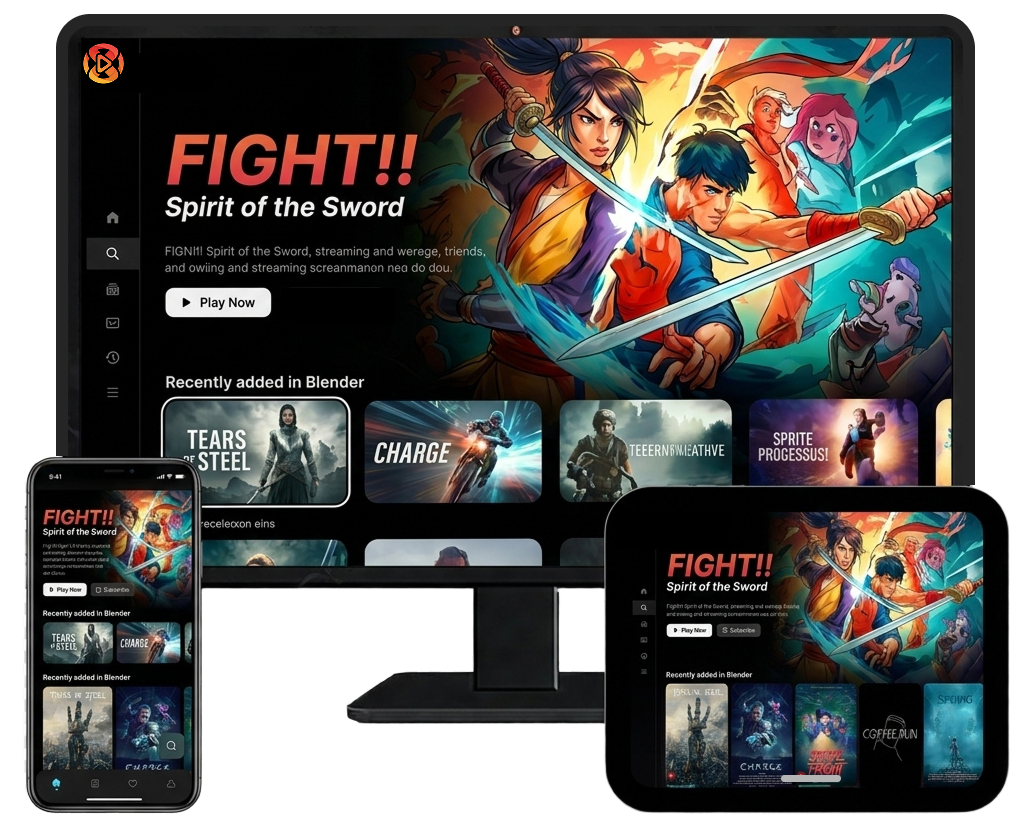
Transform your Telegram videos into a beautiful Netflix-style library. Organize movies and shows, resume playback, create watchlists, and enjoy seamless streaming from one powerful app.
Your Telegram stays yours. Sync only through @OXPlayerBot.
We never ask for your password or read your private chats.
Only media you send to the bot is added to your library.
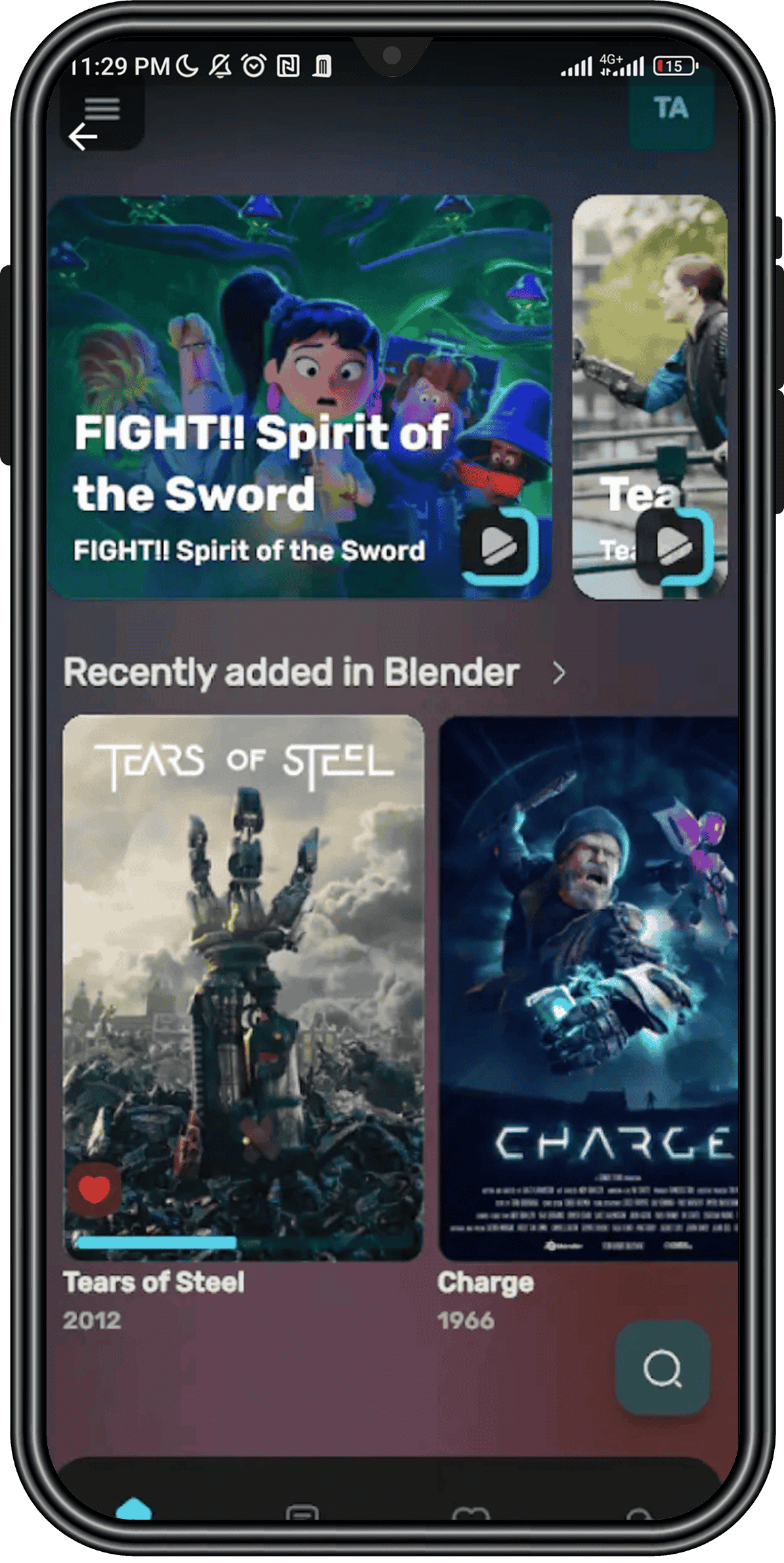
Personal Media Library
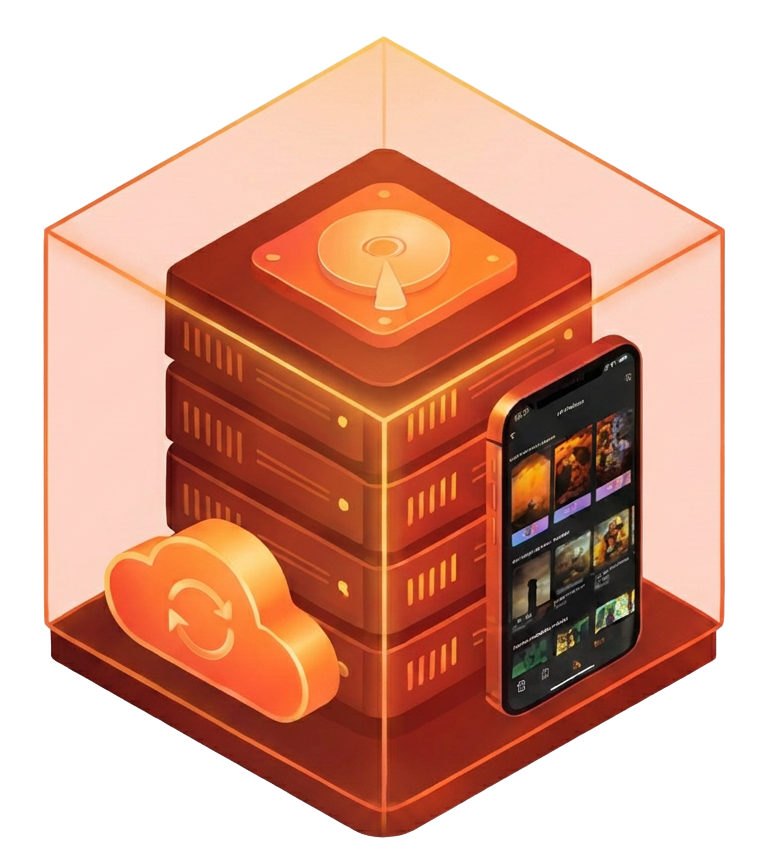
Turn your Telegram videos into a beautifully organized streaming library designed for effortless browsing. OXPlayer automatically enhances your collection with posters, movie information, and structured organization, making it easy to manage, discover, and enjoy all your content from a single, elegant interface.

Smart Search & Discovery
Spend less time searching and more time watching. OXPlayer provides powerful search capabilities, rich metadata, and intelligent organization to help you quickly find movies, TV shows, and videos. Discover content instantly through a clean, intuitive interface built for convenience.
Favorites & Watchlist
Keep track of the content you love and the titles you want to watch next. Create personalized favorites and watchlists that stay synchronized with your account, allowing you to easily return to important content and build your own curated entertainment experience.

How It Works

Sync with our bot
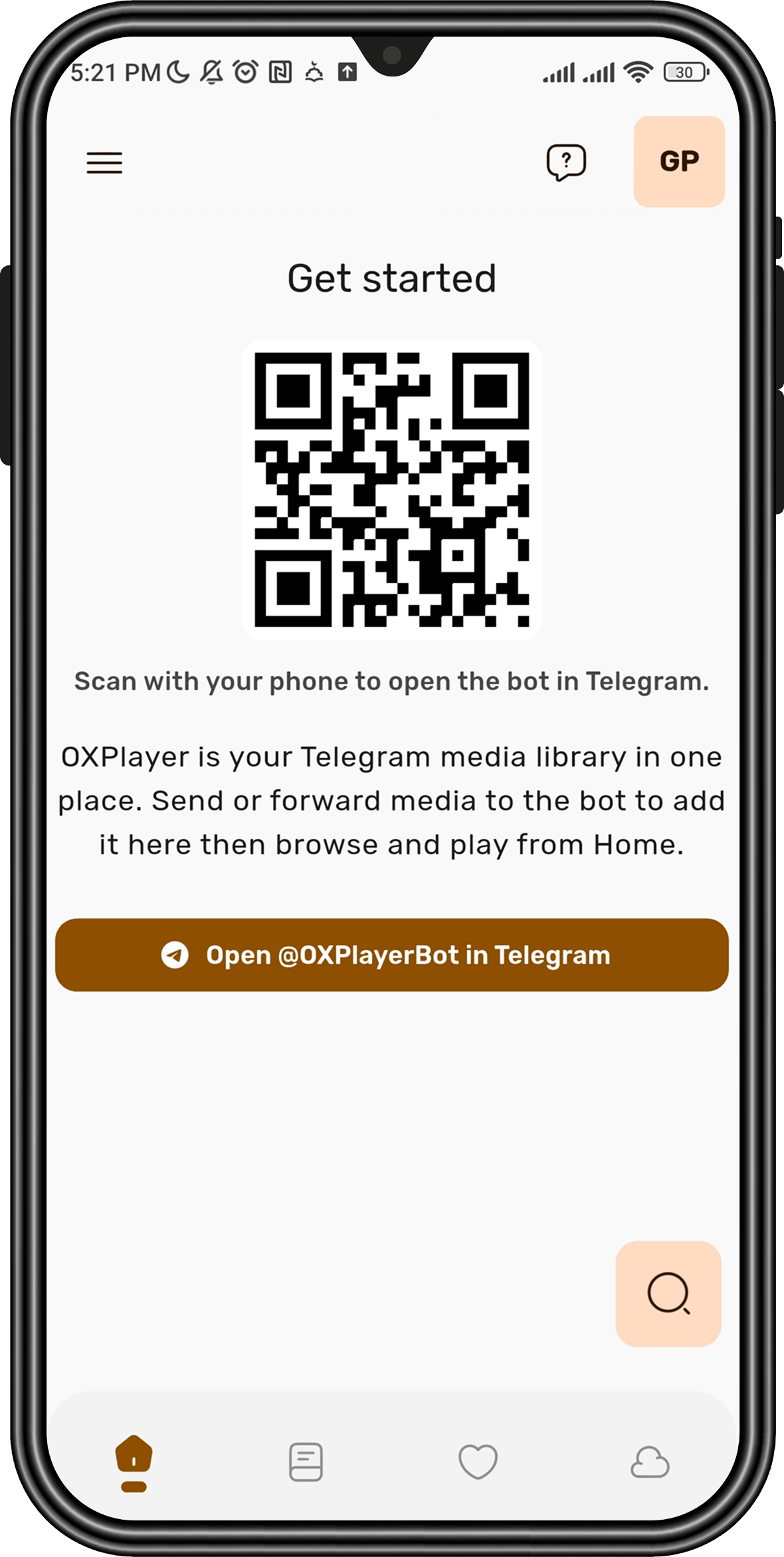
Your library syncs through @OXPlayerBot only open the bot in Telegram and connect OXPlayer. We never ask for your password or read your private chats.

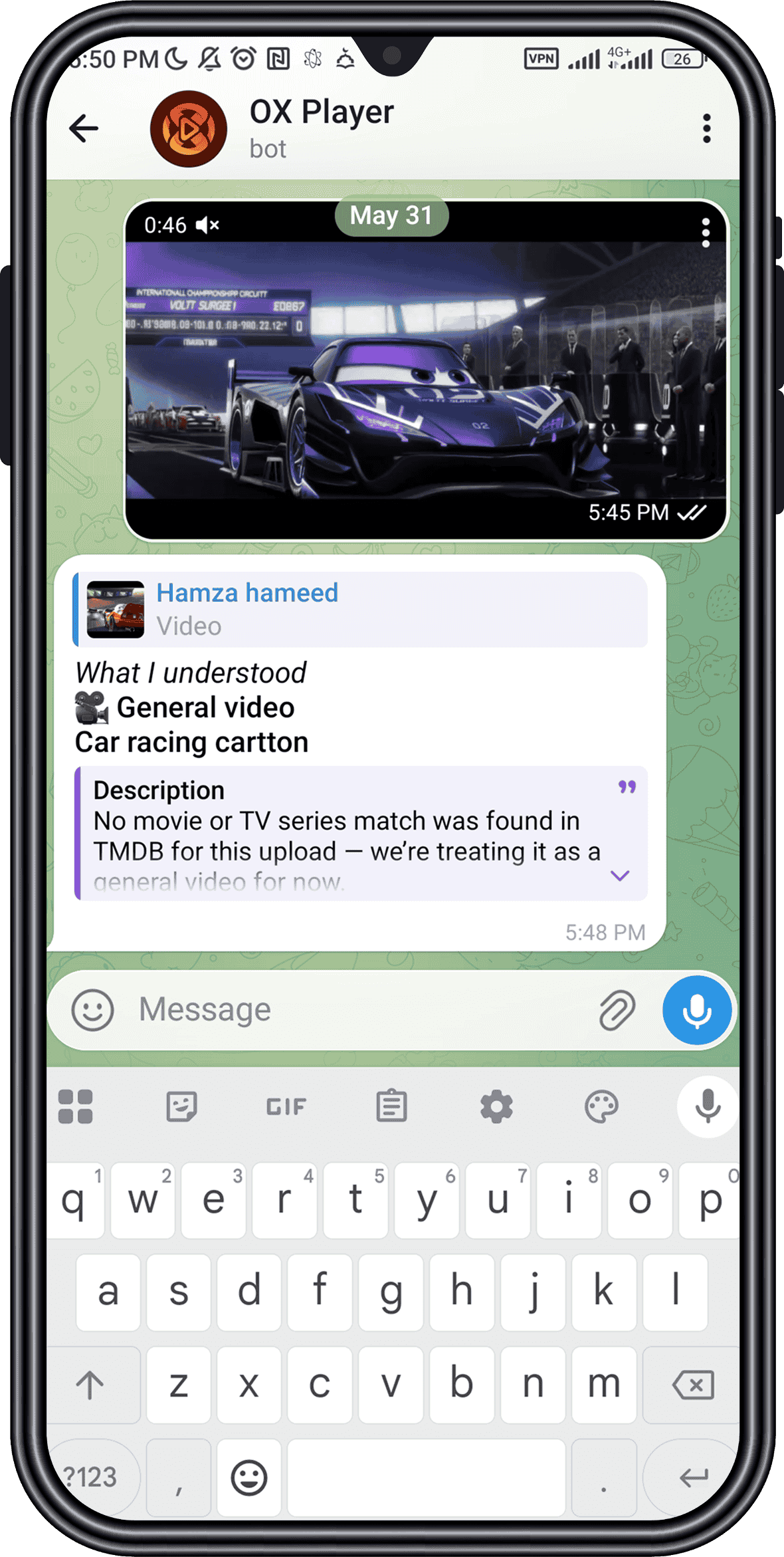
Send Movie to Bot
Send a video or movie file to @OXPlayerBot. The bot processes your upload and adds it to your library with posters and metadata.
Movie Appears in OXPlayer
Your video is organized with posters and metadata, then added to your library for easy browsing.

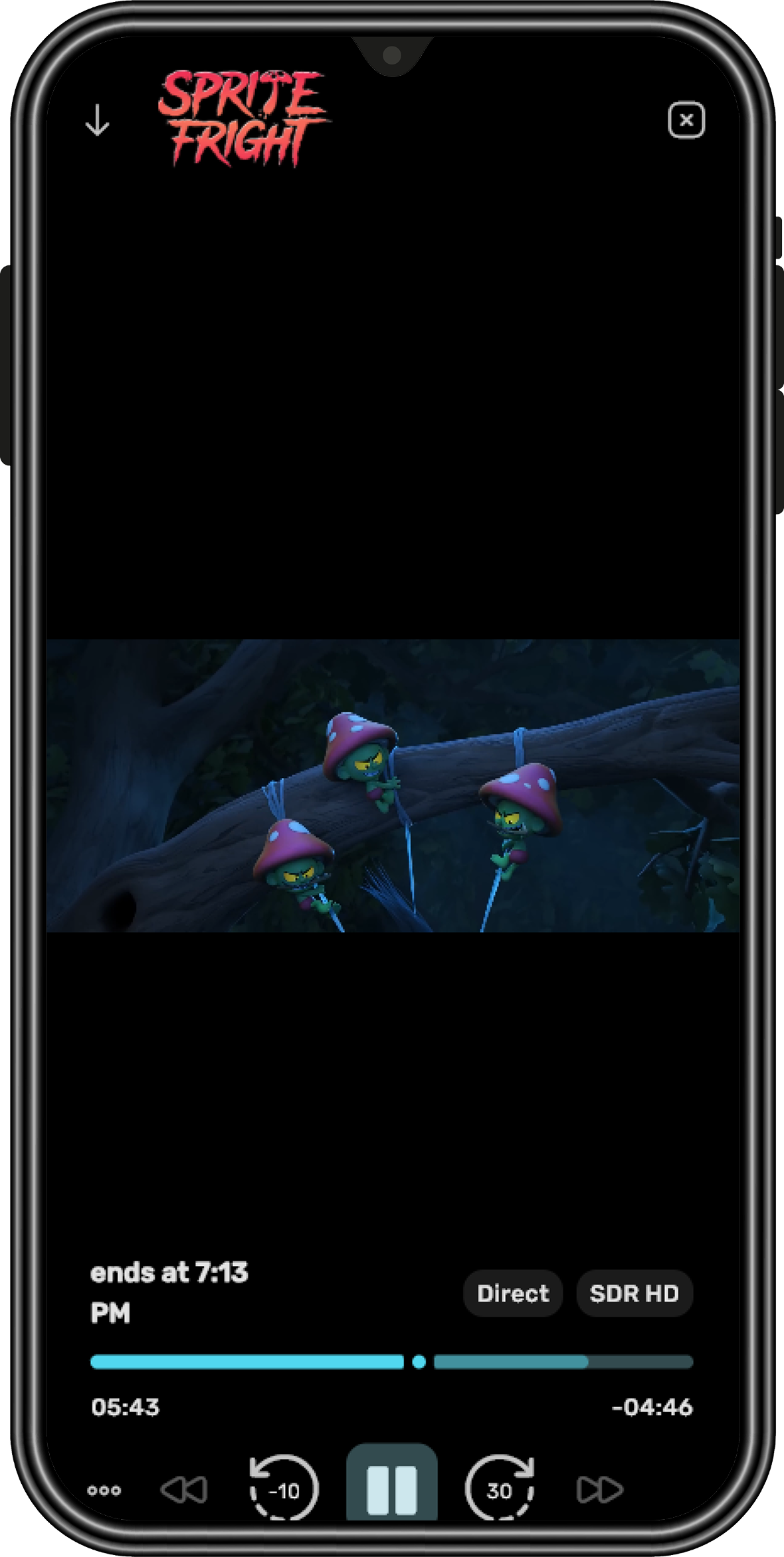
Watch Anywhere
Enjoy a smooth streaming experience with resume playback, watchlists, and smart media management.
Why OXPlayer
VS
Traditional Telegram
Scattered Files
No Organization
Basic Playback
OXPlayer Experience
Beautiful Netflix Style Interface
Organized library
Advance Playback
Smart Features
Our Happy Users

Mark Thompson
OXPlayer changed how I manage my Telegram videos. Scattered files across chats are now organized into a beautiful library with posters, metadata, and seamless playback.

Jane Smith
I love how easy it is to send a movie to the bot and have it automatically appear in my library. The Netflix-style interface makes browsing my collection a pleasure.

John Doe
The watchlist and resume playback features are fantastic. I can start a movie on one device and continue exactly where I left off later. OXPlayer feels incredibly polished.
Mike Johnson
I've tried different ways to manage Telegram videos, but nothing comes close to OXPlayer. Automatic organization and rich movie details make my collection look professional.

Sarah Williams
The search experience is incredibly fast, and finding movies has never been easier. OXPlayer turns Telegram into a complete personal streaming platform that I use every day.